About trustvine
Anyone 18+ can create an account and start their own trust tree. Trust—not a platform waitlist—is what unlocks other people, tribes, and events, and keeps social spaces accountable.
Trust-based unlocking
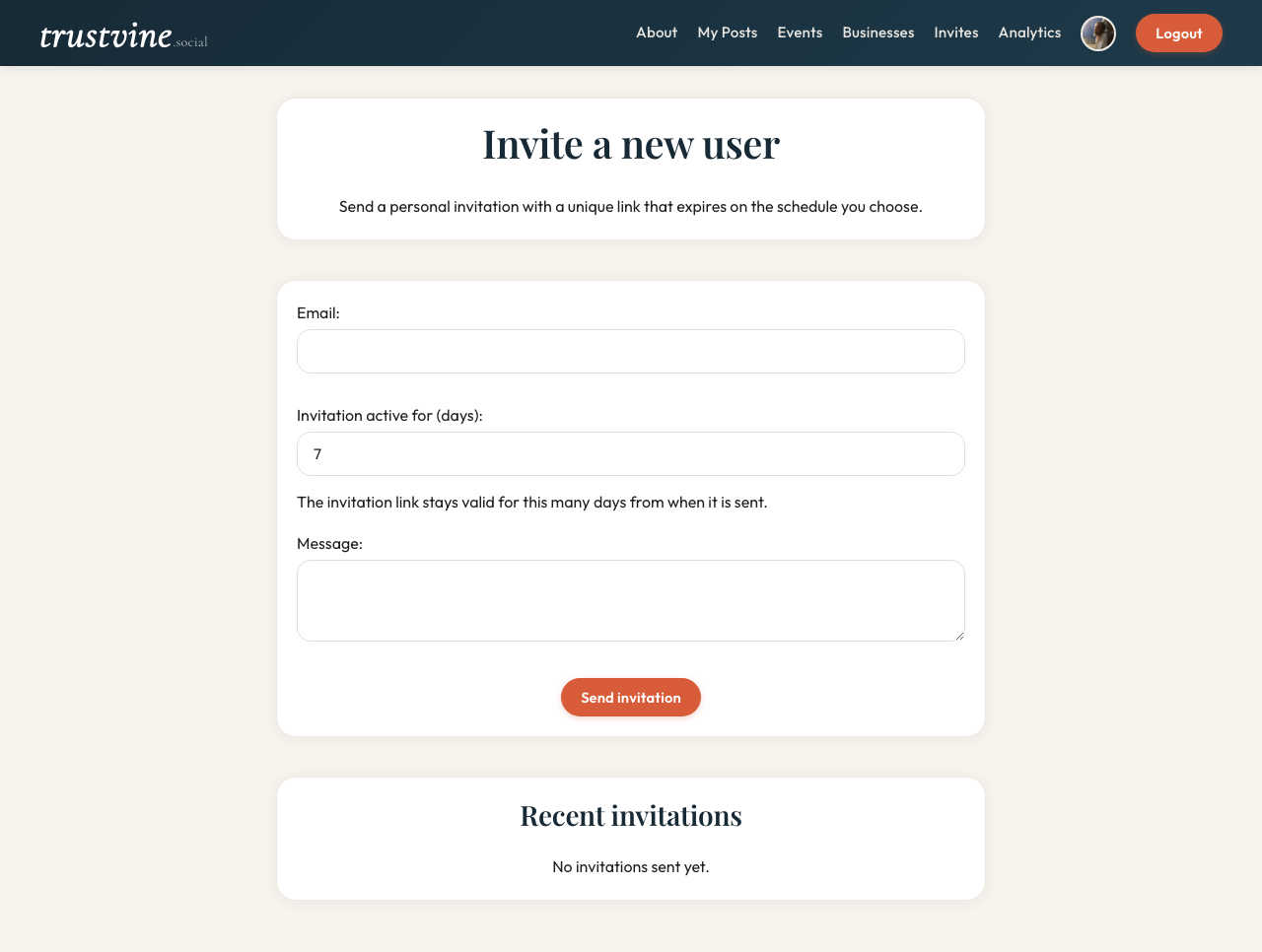
Open signup creates an isolated trust tree with you as the root. You can post, create tribes, and host events inside that tree immediately—but other members' tribes, people, and events stay closed until trust connects the networks.
Within your tree, invite people you trust (including minors 13–17 via a parent or guardian invitation) to grow the network. Across trees, request or send an introduction by exact username or email. When an introducer accepts, the full joining subtree reparents under them and discovery unlocks between the merged forests.
Signup is open. Visibility and reach are earned through real introductions—not a global feed and not a platform waitlist.
Safe social spaces built on trust
Trustvine is designed so accountability travels with the graph. When you invite someone into your tree or accept an introduction, you vouch for that connection—roots and introducers remain responsible along the trust chain.
Tribes are trusted spaces for neighborhoods, interests, and causes inside your forest. Content is moderated; reporting is taken seriously; harmful posts can be removed and escalated through the chain that brought someone in. Safety is not an afterthought—it is the product of who unlocks whom.
Individual & business profiles
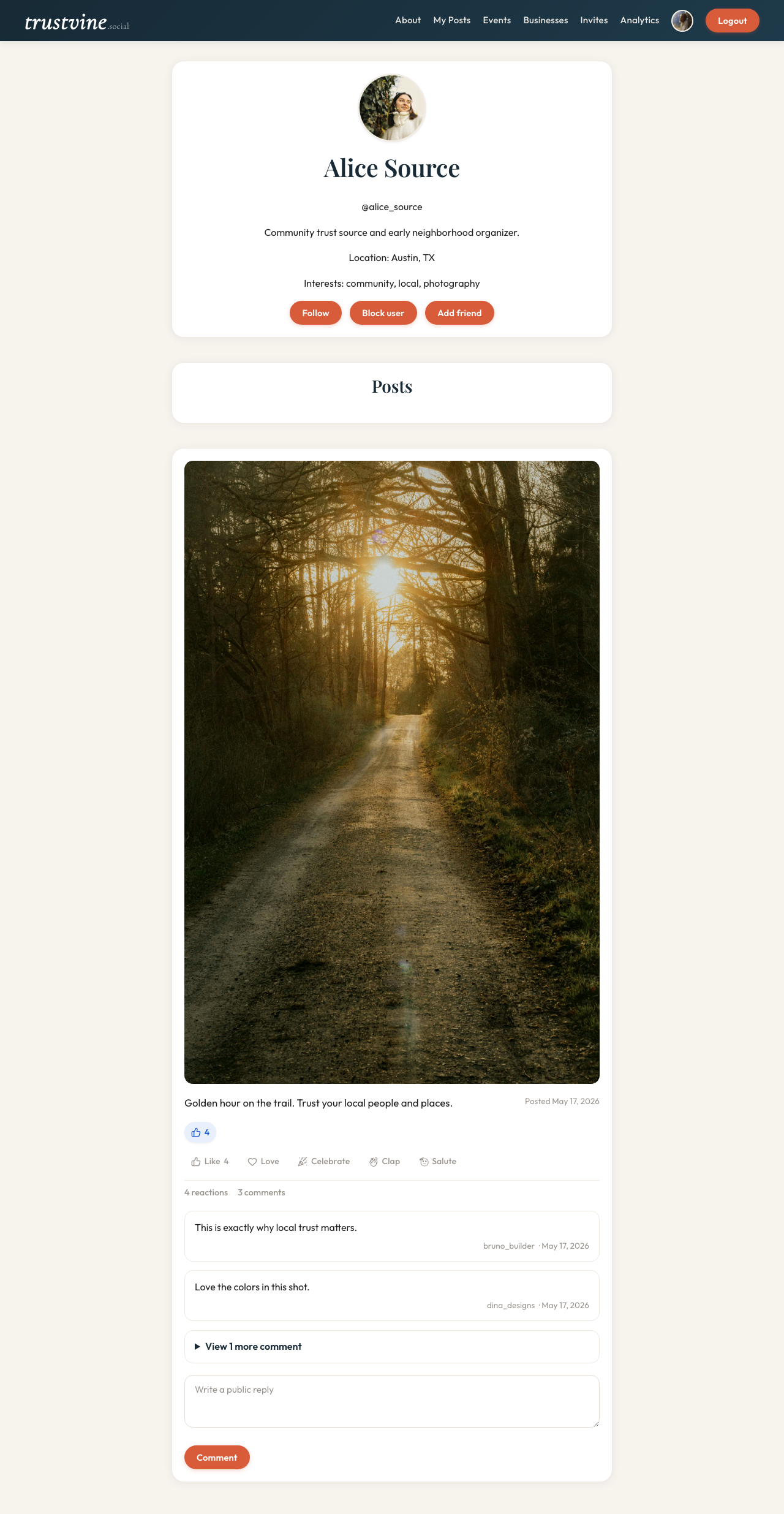
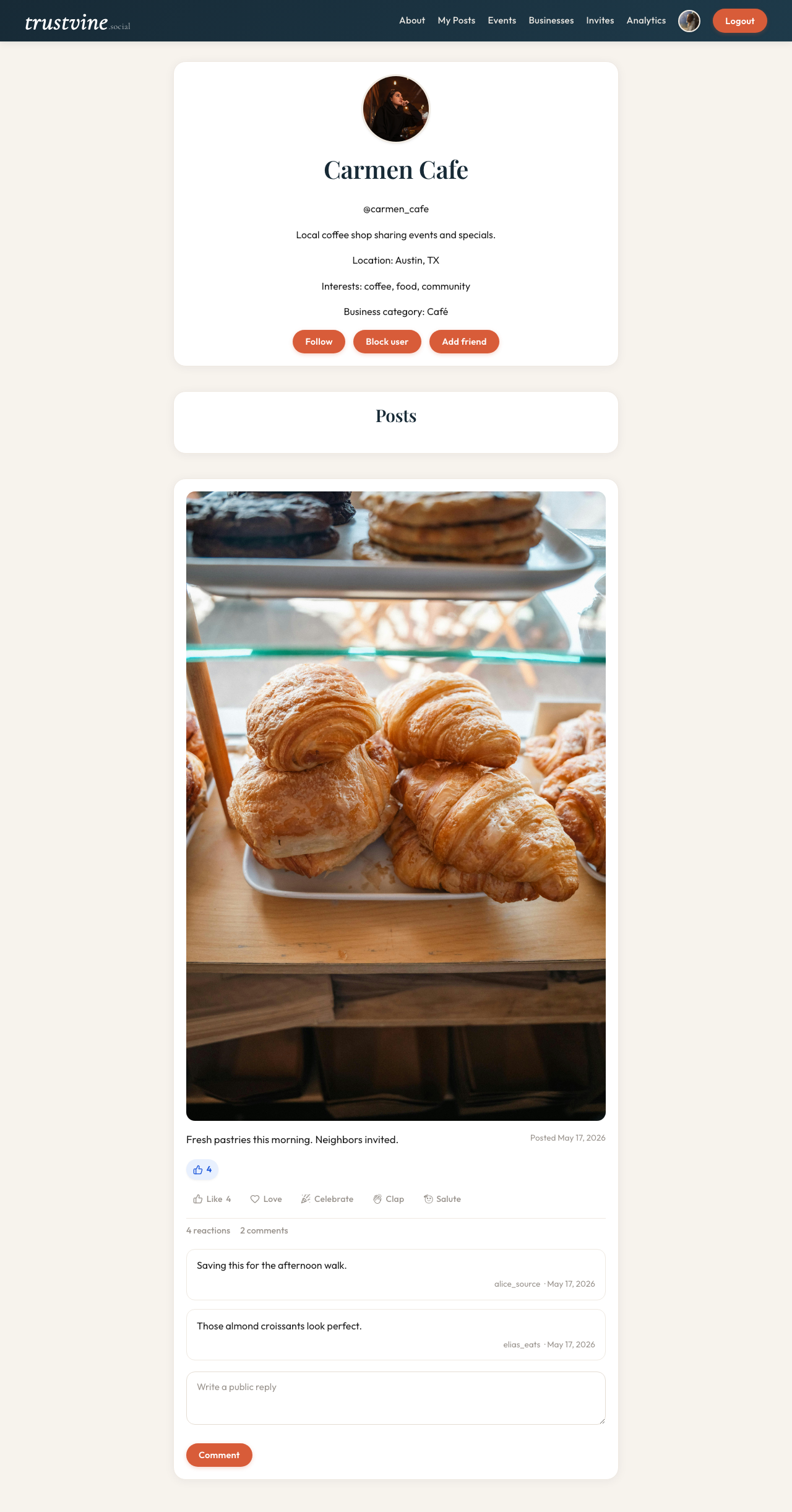
Personal profiles show bio, location, interests, follower/following counts, and a trusted activity feed. Business profiles add a category badge, contact info, and a reviews section so local customers can post verified opinions.
Profile discovery follows the same trust unlock: you see people and businesses inside the trees you belong to—not a global public directory.
Communities
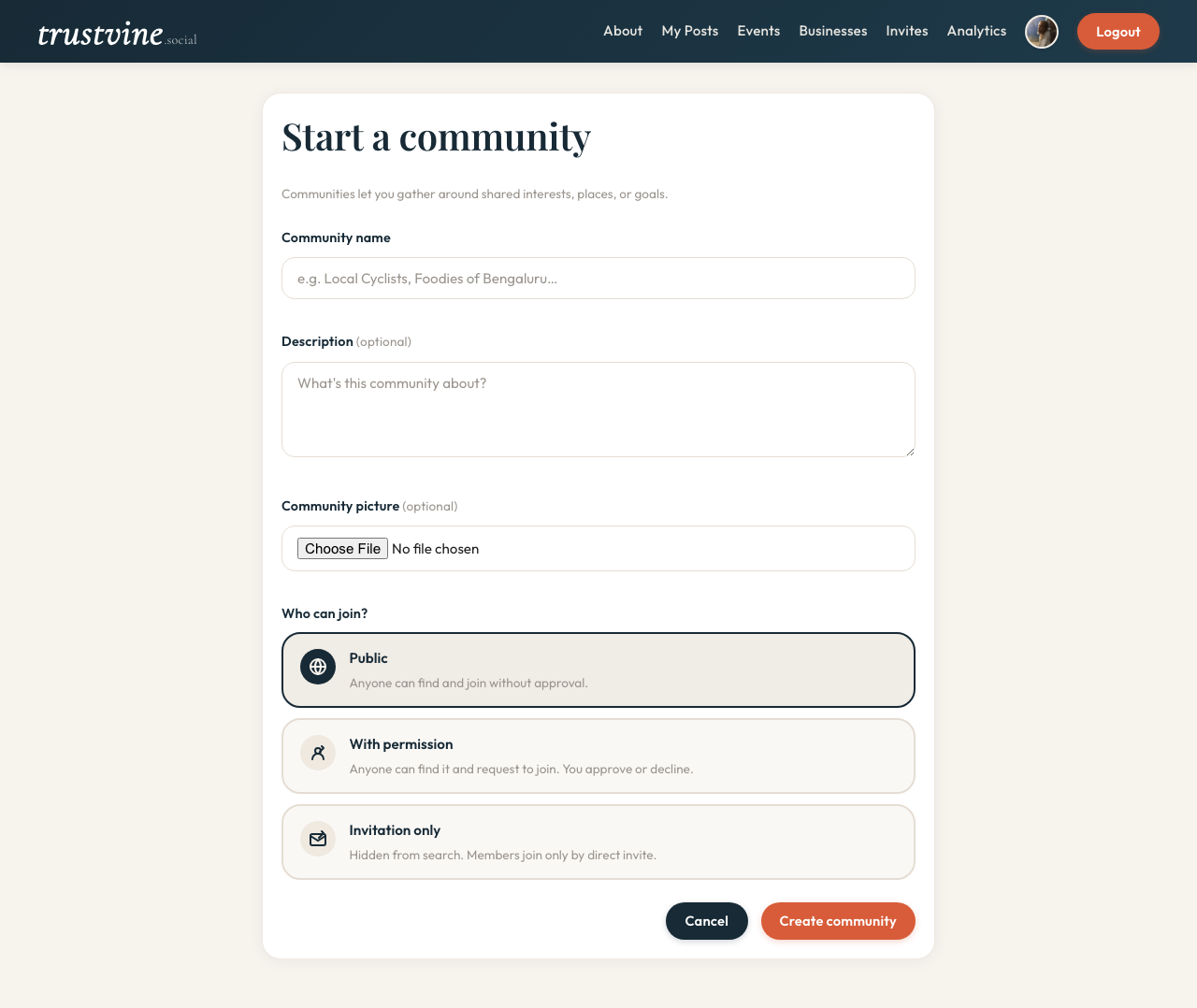
Communities (tribes) let members organize around neighborhoods, shared interests, or local causes inside your trust forest. Owners choose open, permissioned, or invite-only membership for the group itself. Members post inside that scope with people who already share a trust path.
Communities can host their own events, making them a natural hub for local coordination among people who can already see each other.
Events lifecycle
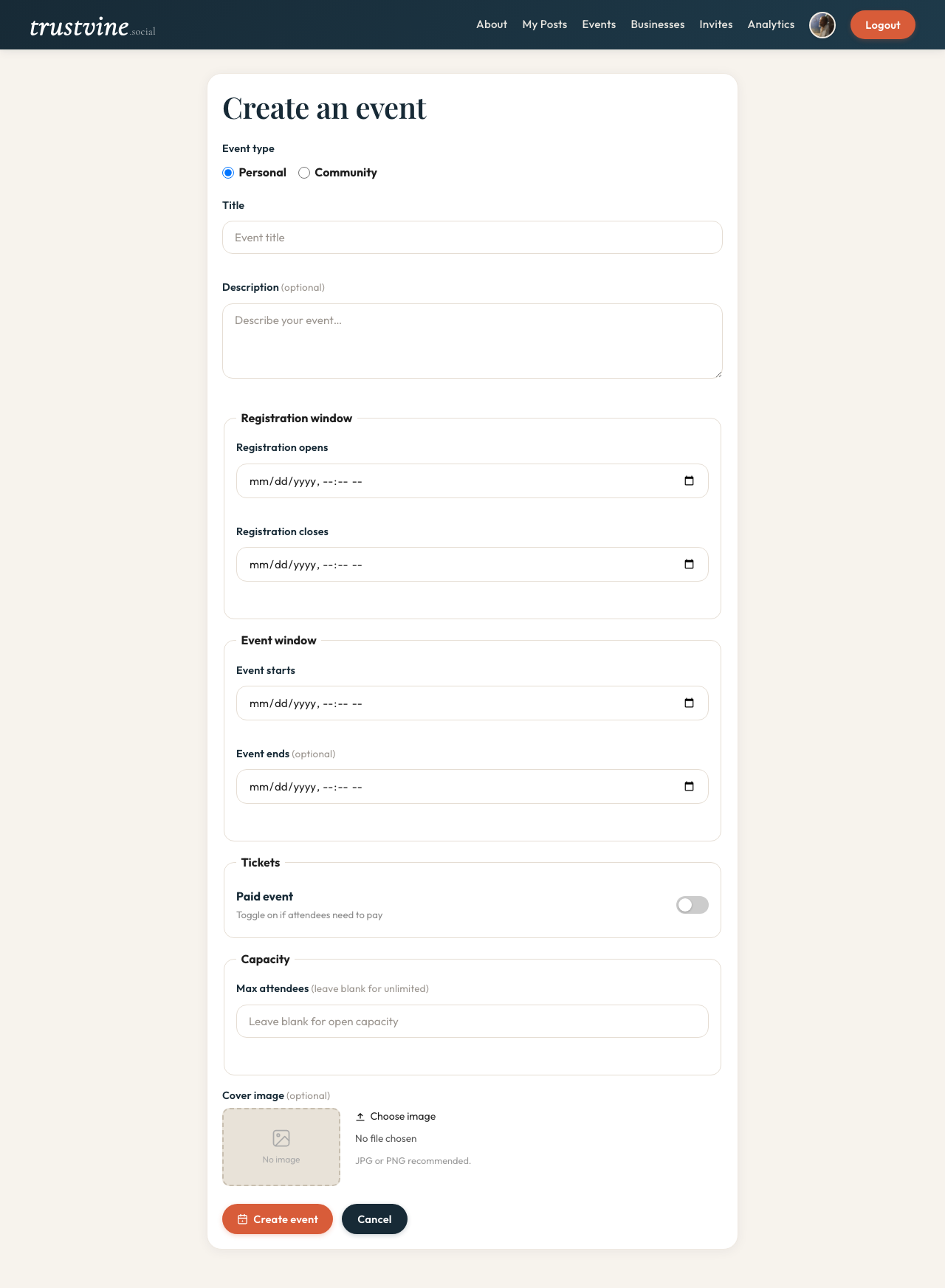
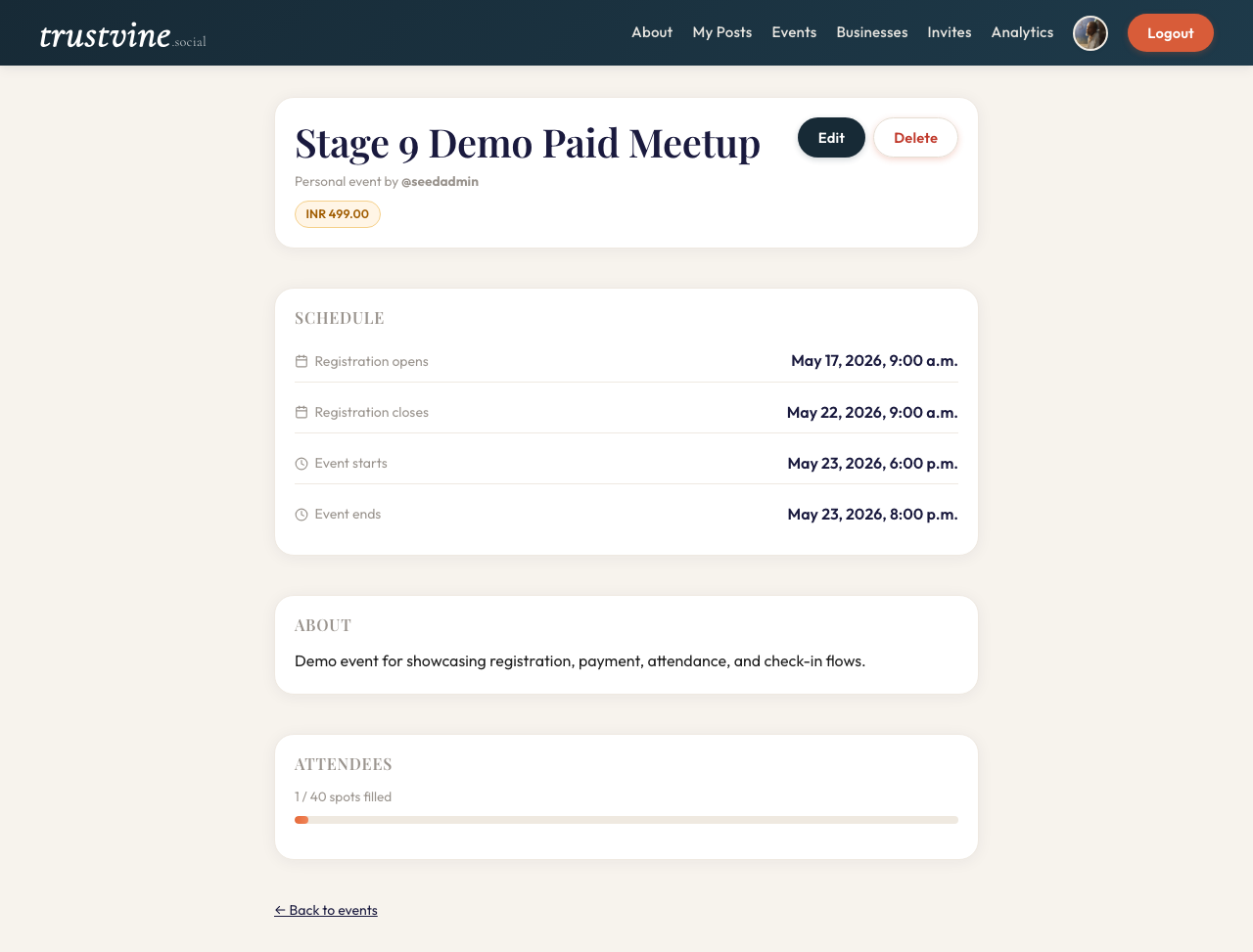
Events move through a complete lifecycle: creation → registration → attendance → check-in. Organizers can set capacity limits, registration windows, and mark events as free or paid. The payment flag drives the registration state machine so organizers know who has paid before the door opens.
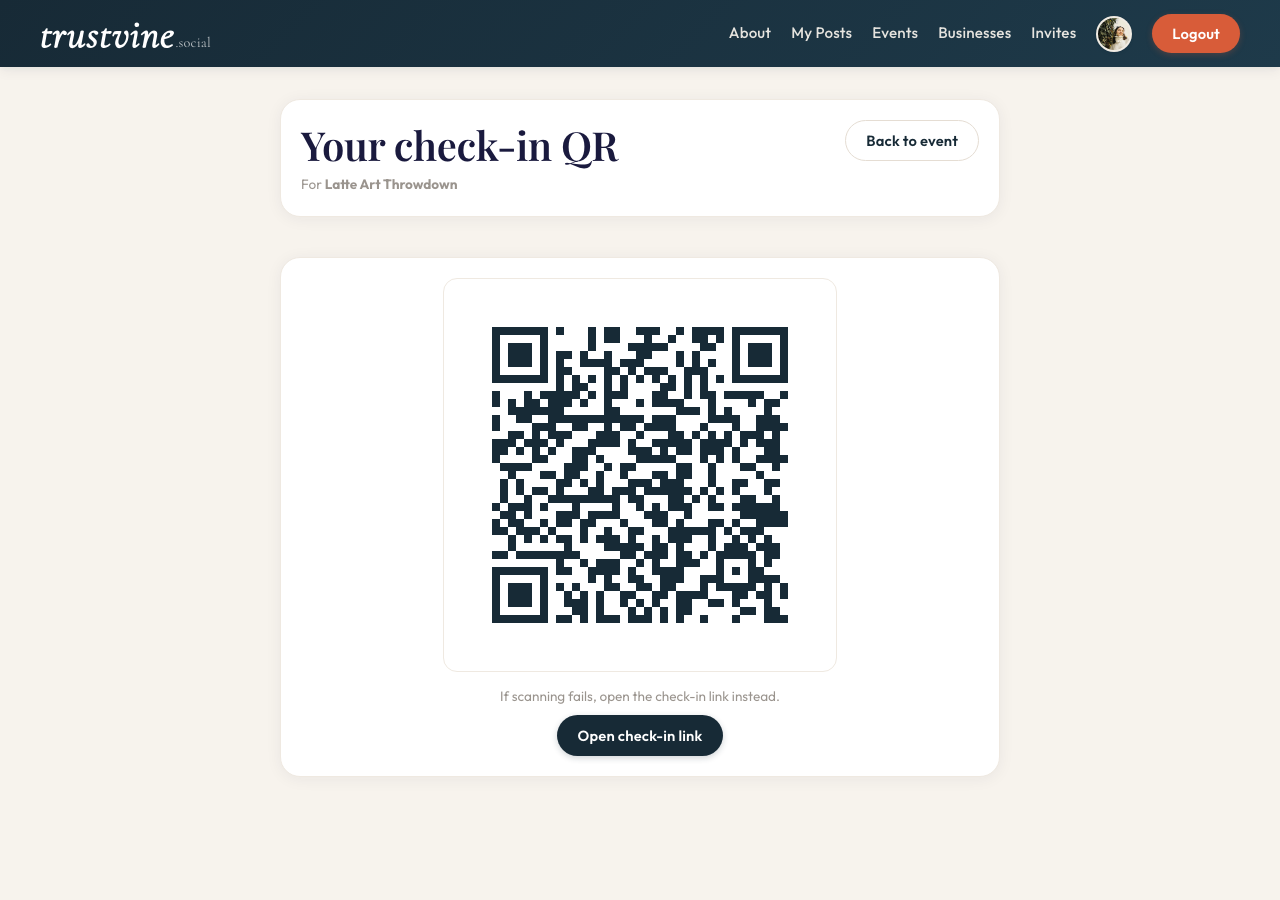
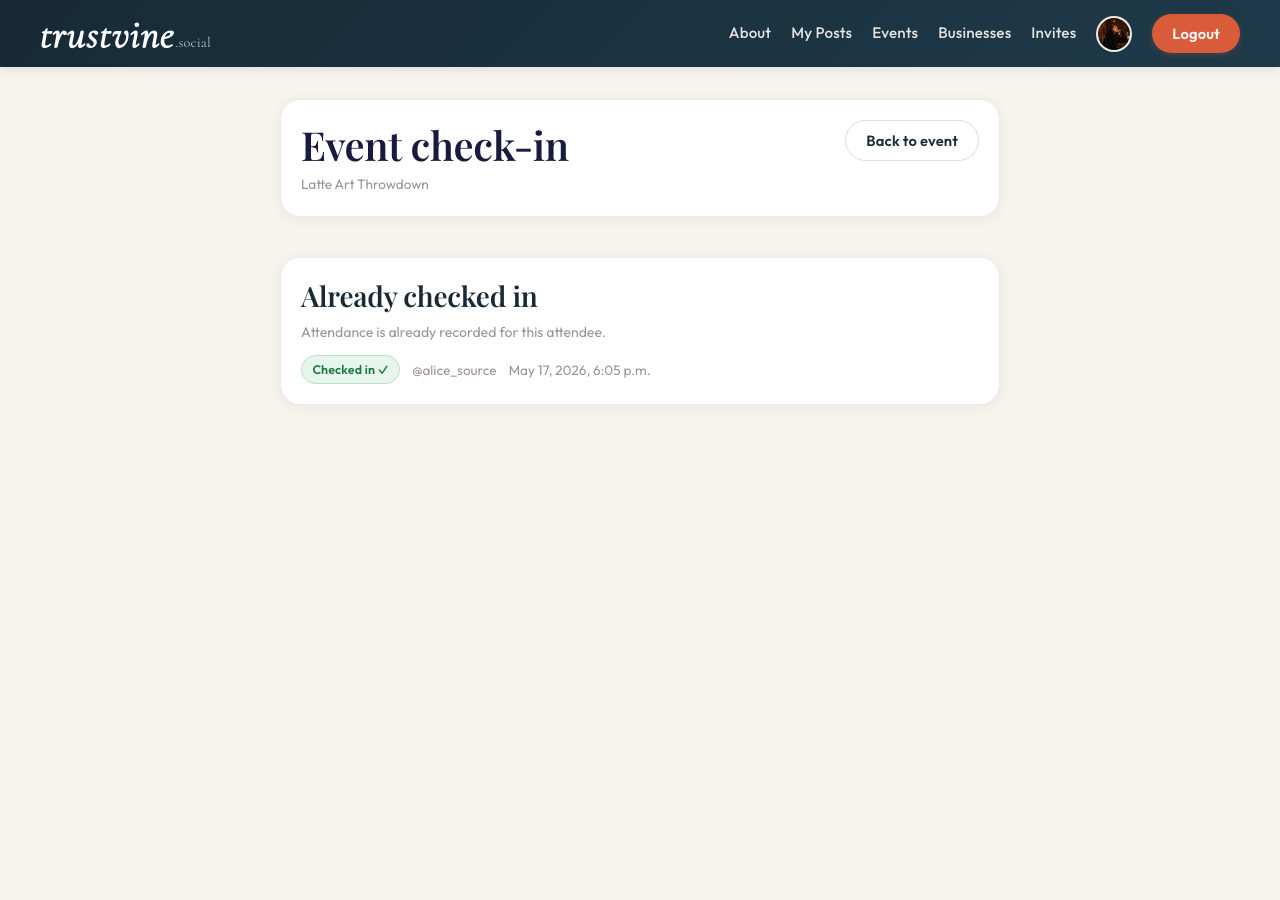
On the day, organizers use a per-attendee QR scan screen to check guests in. Attendance is recorded automatically and visible to the organizer in real time.